You don't need a fancy setup to get a lot out of a smart home. The automations we use most are simple ones that quietly save us a few steps every day.
Here are five that run in our house right now, what they use and how to set them up. Most of the gear is Matter, so you can build these in Apple Home, Google Home or Alexa, not just the apps I use.
As an Amazon Associate I earn from qualifying purchases.
1. Lights on at sunset, off at sunrise
Every day, the lights at the front of our house turn on at sunset and off at sunrise. No more remembering to flip them on at night or finding them still on in the morning.
What I use: TP-Link Tapo Matter Smart Light Switch S505 (2-pack)
How it's set up: I run this one in the Tapo app with two schedules: on at sunset, off at sunrise, every day. Because the switches are Matter, you can build the same thing in Apple Home, Google Home or Alexa. Pick the switches, choose sunset or a time, and set it to repeat.
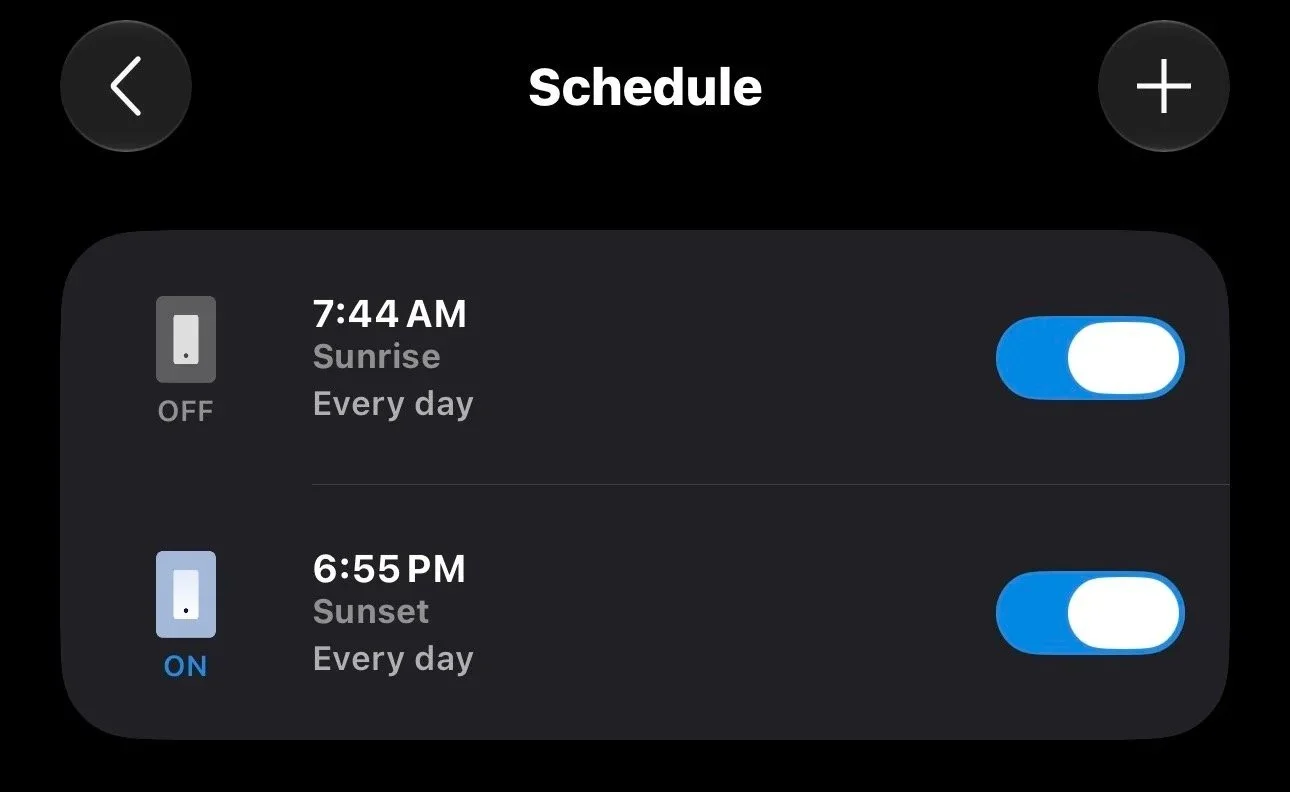
The two Tapo schedules. Sunrise and sunset times adjust automatically through the year.
2. Motion-activated closet light
Every time we walk into our closet, the light turns on. When the sensor doesn't detect anyone for 30 seconds, it turns back off.
What I use:
How it's set up: I built this one in the Aqara app. The Eve switch is Matter over Thread, so it shows up in the Aqara app right next to the sensor. You could build the same automation in Apple Home, Google Home or Alexa.
The FP300 is a presence sensor, not just a motion sensor. It can tell someone is still standing in the closet even when they're not moving much, so the light doesn't shut off on you while you're picking out clothes.
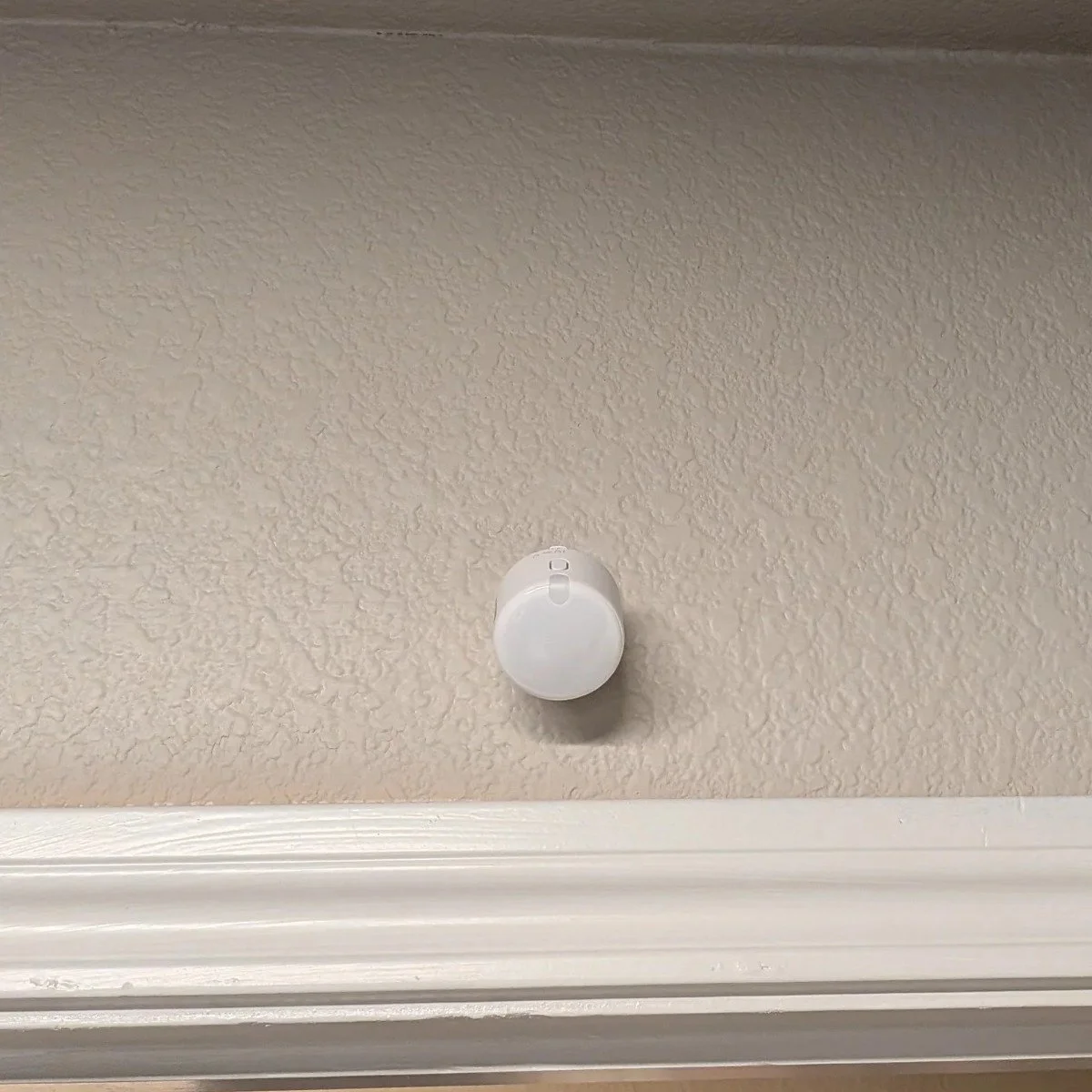
The FP300 sits above the closet doorway, where it can see the whole closet.
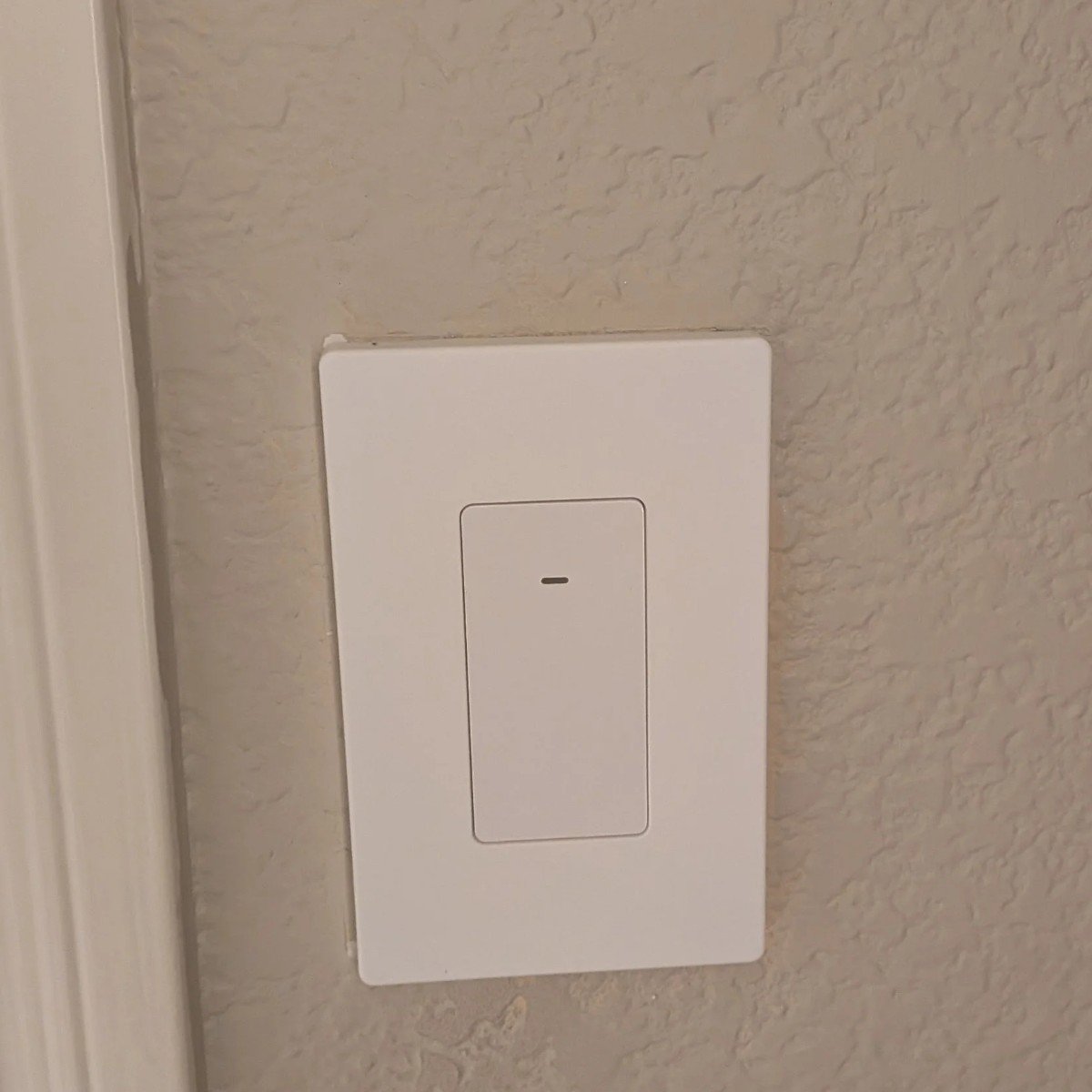
The Eve switch that controls the closet light.
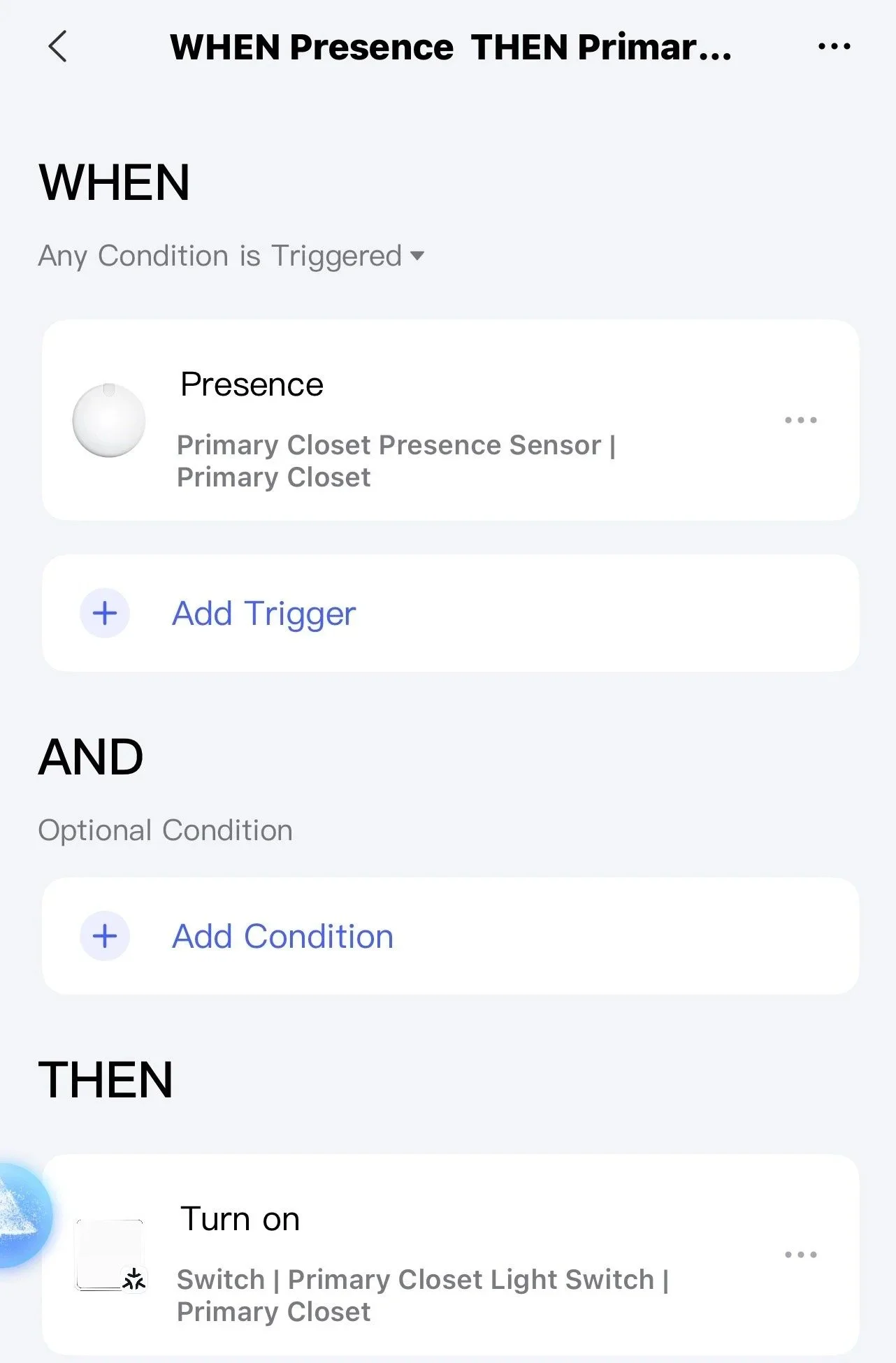
The closet automation in the Aqara app.
3. "Laundry's done" alert
When our LG washer/dryer combo finishes a cycle, the lamp in our foyer turns on and glows blue. It's a bright reminder that's hard to miss, so wet clothes don't sit in the machine all day.
Once someone walks into the laundry room, an Aqara motion sensor over the door turns the foyer lamp back off.
What I use:
LG washer/dryer combo (connected through LG ThinQ)
Aqara Smart Bulb T2 (color, Matter over Thread) in the foyer lamp
An Aqara motion sensor (Matter over Thread) in the laundry room
Homey Pro mini to run it all
How it's set up: This one runs in Homey Pro. I connected the washer/dryer to Homey with the LG ThinQ app in Homey, so "the cycle is finished" becomes a trigger. That's the kind of automation Apple Home can't do on its own, and it's a big reason I added Homey.

The laundry flow in Homey.
4. TV mode
When I turn on the TV in my room, my light switch and my Govee sync box turn on with it. The sync box kicks on my Govee Ceiling Light Ultra, so the room's lighting reacts to whatever I'm watching or playing. When I turn off the TV, the light switch and the sync box turn off too.
What I use:
Sony TV (connected to Apple Home)
Brilliant Smart Home Control light switch
How it's set up: Two simple automations in Apple Home, one for when the TV turns on and one for when it turns off. If your TV shows up in Apple Home (many Sony, LG and Samsung TVs do), you can use it as a trigger just like a sensor.
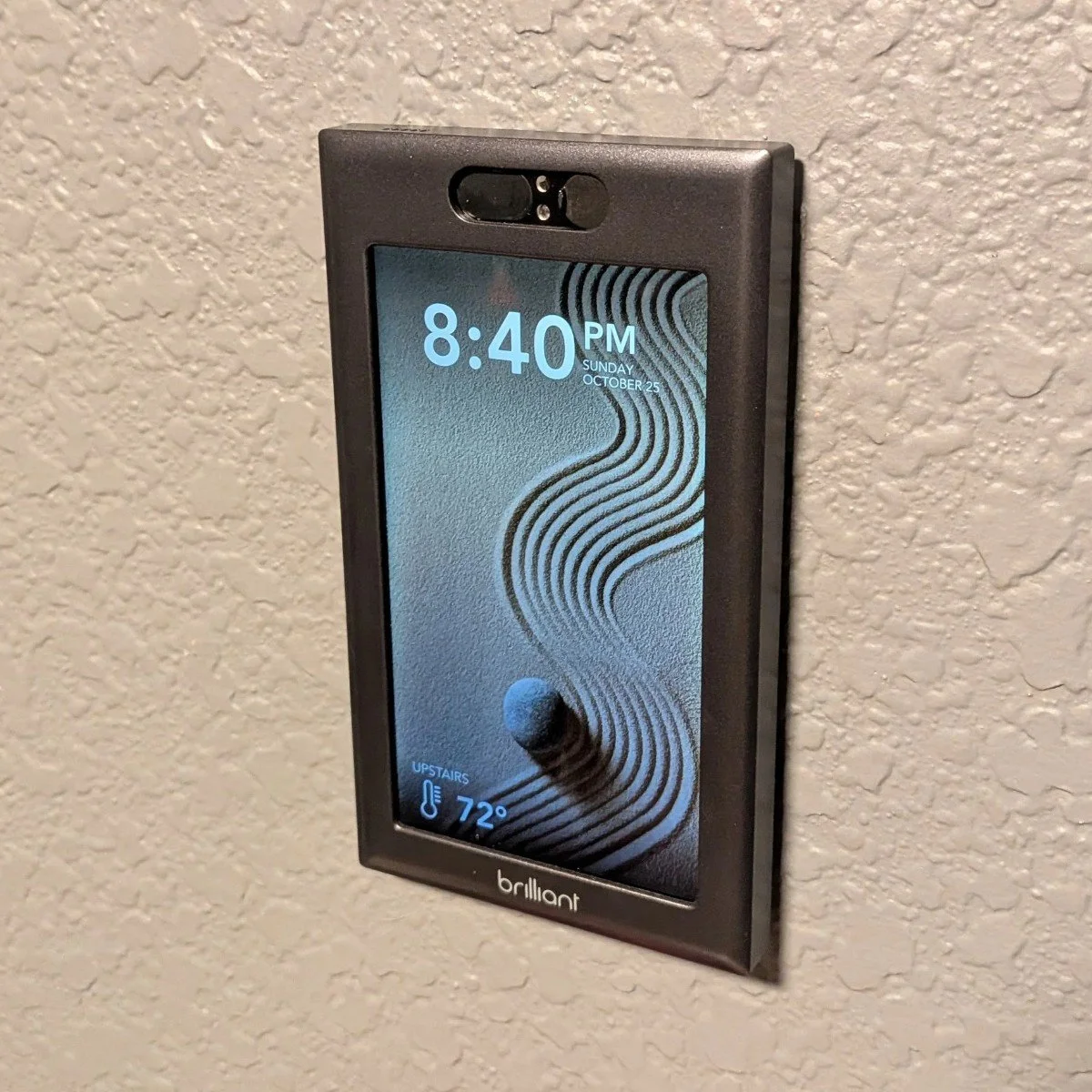
The Brilliant switch in my man cave turns on with the TV.
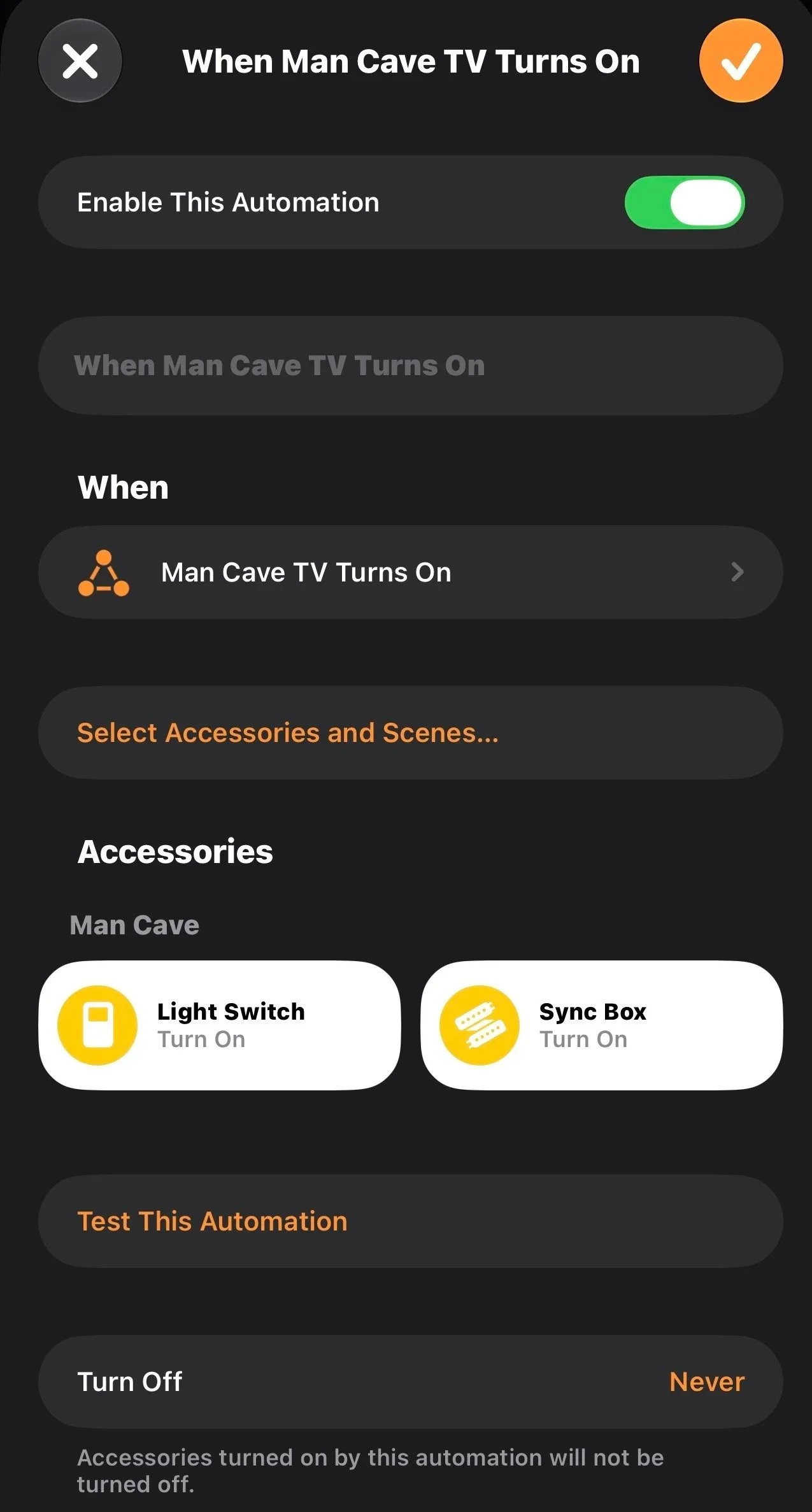
The "TV turns on" automation in Apple Home. Its twin turns everything off.
5. Pantry light (my favorite)
This is probably my favorite automation. There's a door sensor on the pantry door. Open the door and the light turns on. Close it and the light turns off.
It's very simple, but it's very effective when you have kids who tend to leave lights on.
What I use:
How it's set up: Two automations in Apple Home: "when the pantry door opens, turn on the light" and "when it closes, turn off the light." Both devices are Matter over Thread, so they connect fast and respond almost instantly.
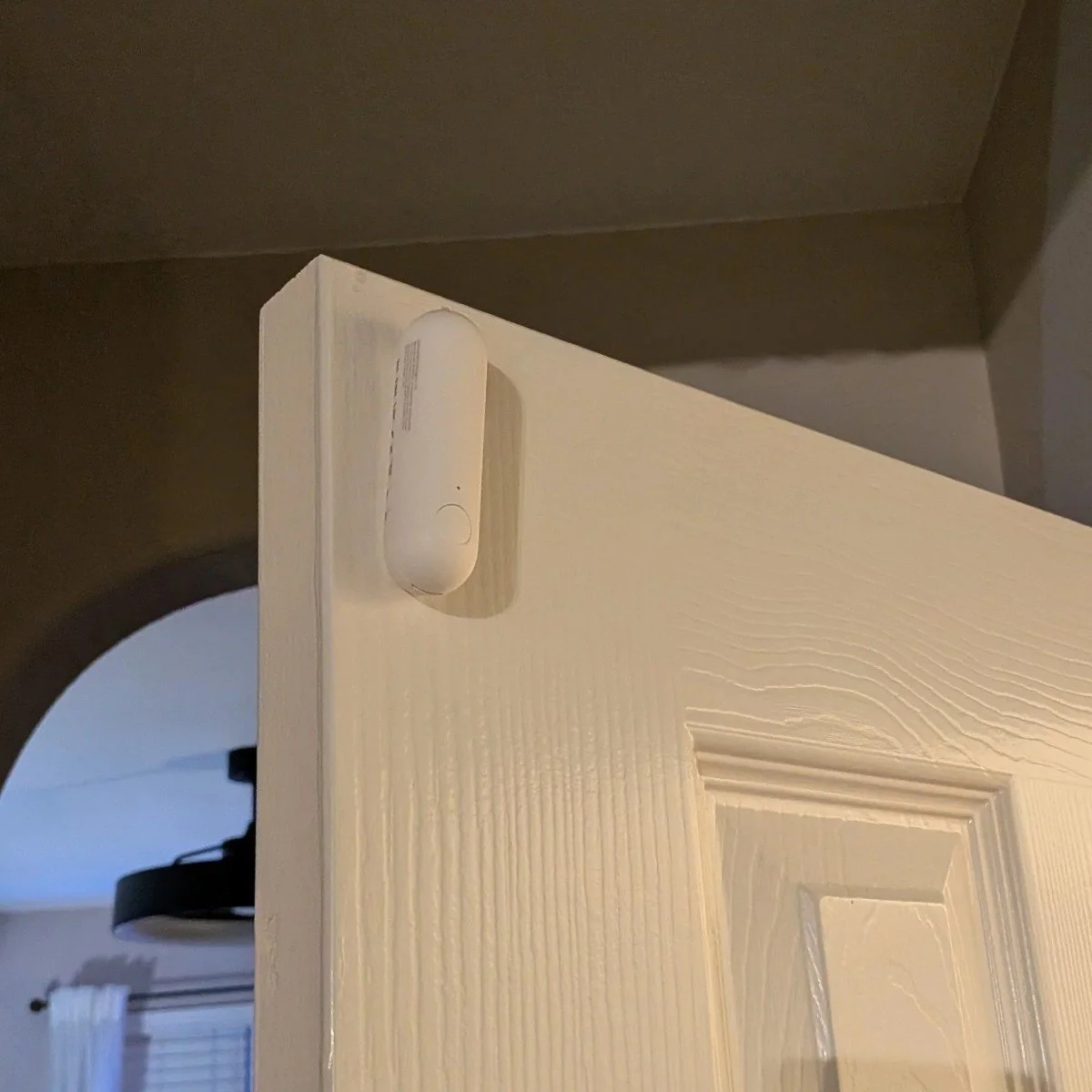
The P2 door sensor on the top corner of the pantry door.
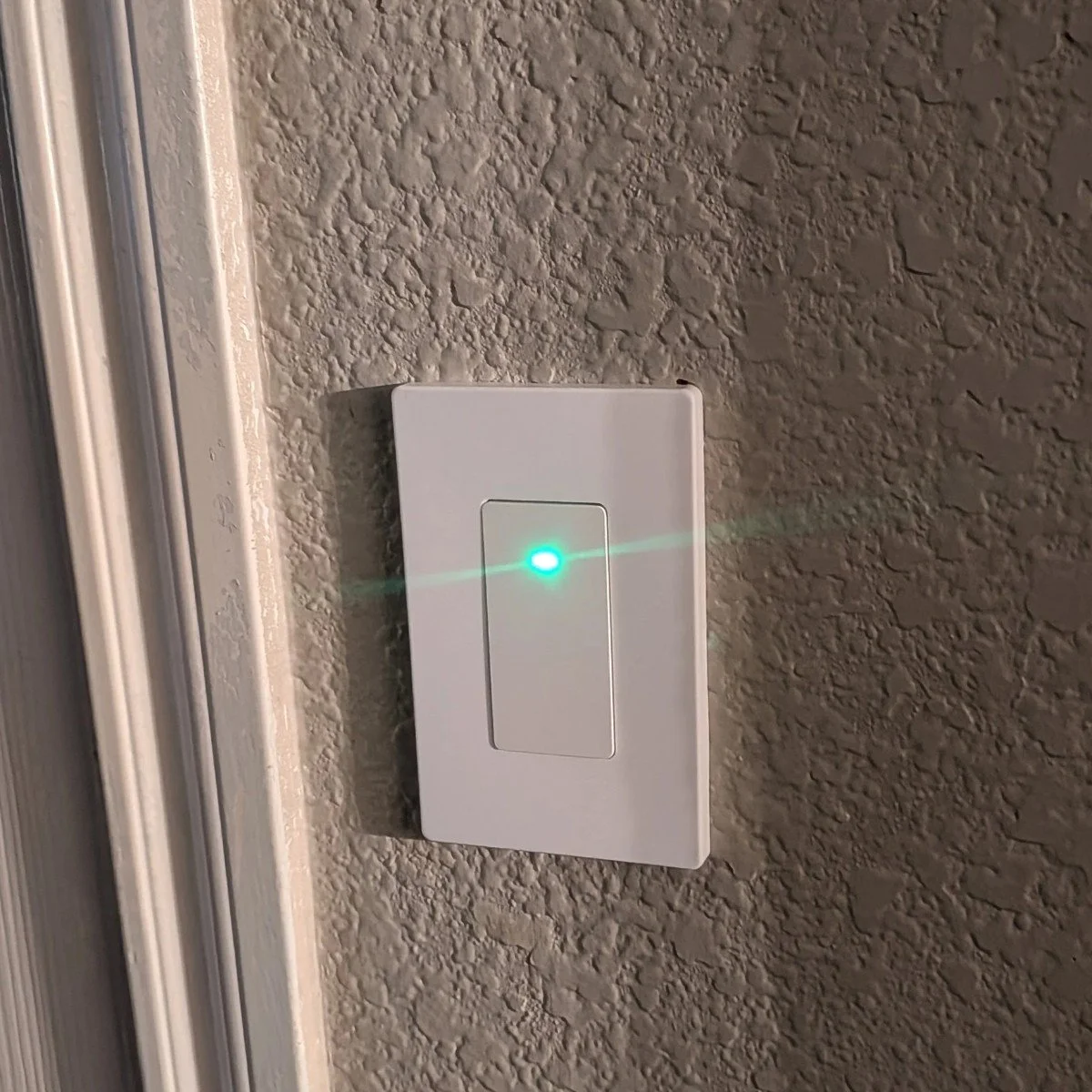
The pantry's Eve switch.
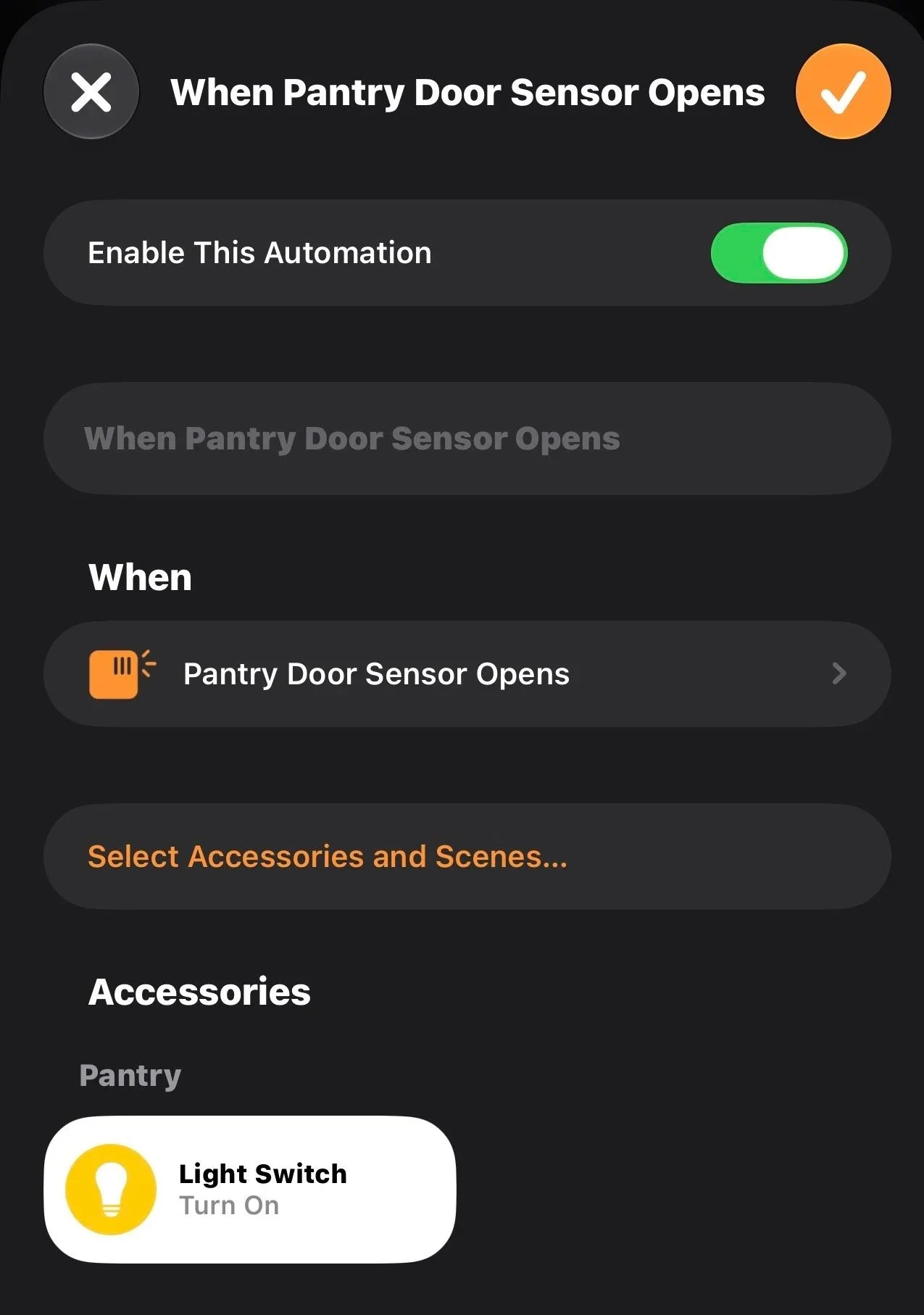
The pantry automation in Apple Home.
Where to start
If you're new to all this, start with #1 or #5. A smart switch with a schedule, or a door sensor and a smart switch, is cheap, easy to set up and something you'll notice every single day. Once you see how nice it is, you'll start spotting automation ideas all over the house.
Want to see the rest of my setup? Check out the Smart Home page and the gear I love and actually use.
As an Amazon Associate I earn from qualifying purchases. Some links in this post are affiliate links, which help support the channel at no extra cost to you.