I added the Govee AI Sync Box Kit 2 to my gaming setup so the lights behind the TV react to whatever's on screen. The PS5 Pro and my original Nintendo Switch both run through it. It took a few minutes to set up, and it adds that extra little touch to every gaming session.
Here's my gear, how I wired it, the setup quirks I ran into, and where the lighting really shines.
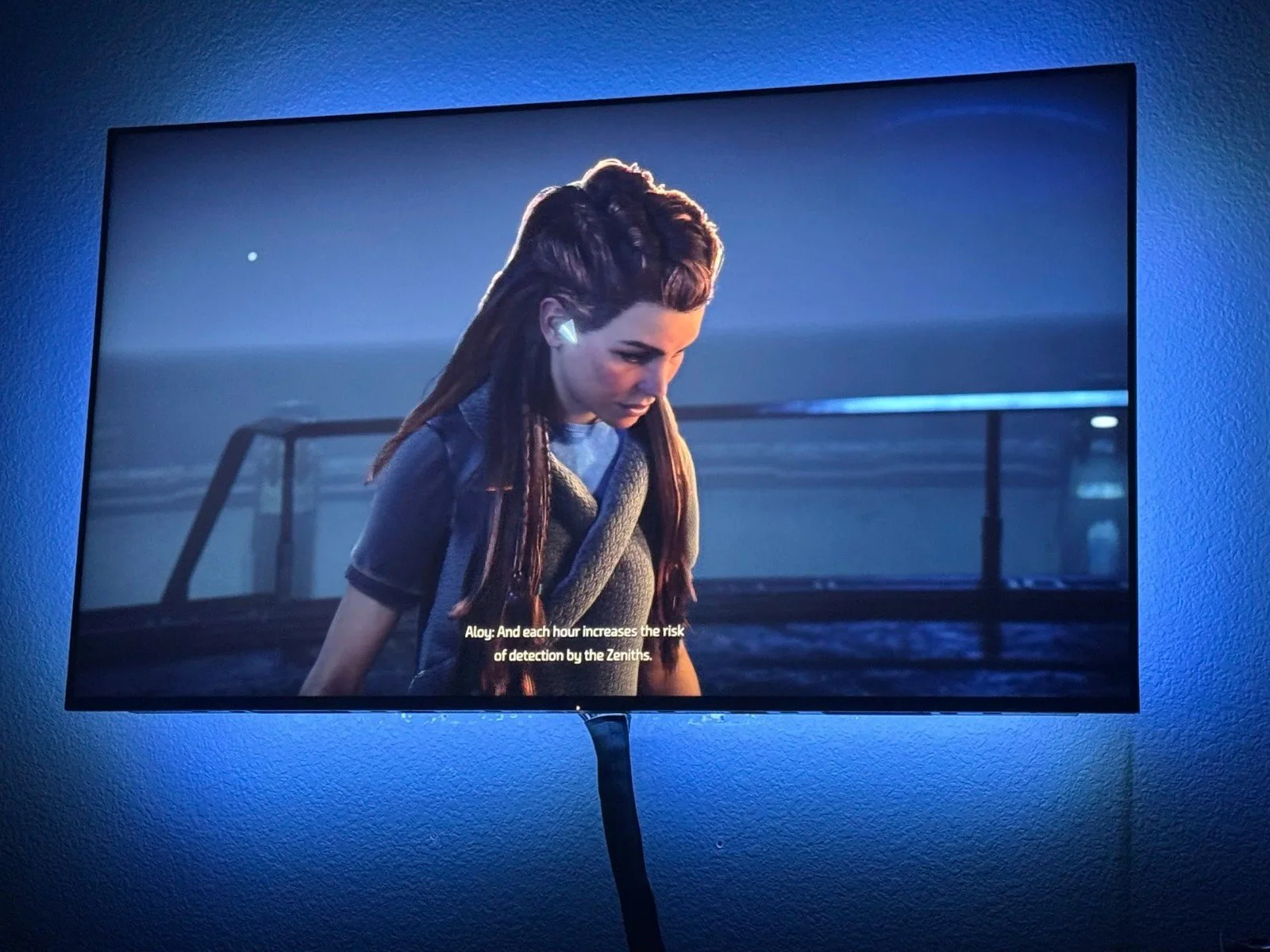
Horizon Forbidden West: moody blue cutscene, moody blue wall. The lights match the vibe without me touching a thing.
As an Amazon Associate I earn from qualifying purchases.
My gear
Sync box: Govee AI Sync Box Kit 2 for 55–65-inch TVs (model H6604)
Consoles: PS5 Pro and the original Nintendo Switch
Input control: GoveeLife Smart 6-Button Remote to switch between the PS5 and the Switch
Room lighting: Govee Ceiling Light Ultra, added to a DreamView scene (my full review)
Sound: Sonos Beam (Gen 2)
A few specs from Govee that matter for gaming:
4 HDMI 2.1 inputs, 1 output
Passthrough up to 4K at 144Hz (or 8K at 60Hz)
HDR10+ passthrough
Matter support (lighting controls only)
RGBWIC light strip that sticks to the back of the TV
Source: Govee
How I wired it
Both consoles plug into the sync box, and the sync box sends one signal on to the TV.
PS5 Pro → sync box input 1
Nintendo Switch → sync box input 2
Sync box output → TV
Why the button? I'd heard the sync box doesn't switch inputs on its own. Govee confirms it: automatic switching isn't supported when more than one device is connected. So I added a Govee button to flip between the PS5 and the Switch without opening the app. It ended up running the lights too. Here's what each button does:
Button 1: turns on the Ceiling Light Ultra
Button 2: switches the sync box to the PS5
Button 3: switches it to the Switch
Button 4: turns on DreamView
Button 5: turns DreamView off
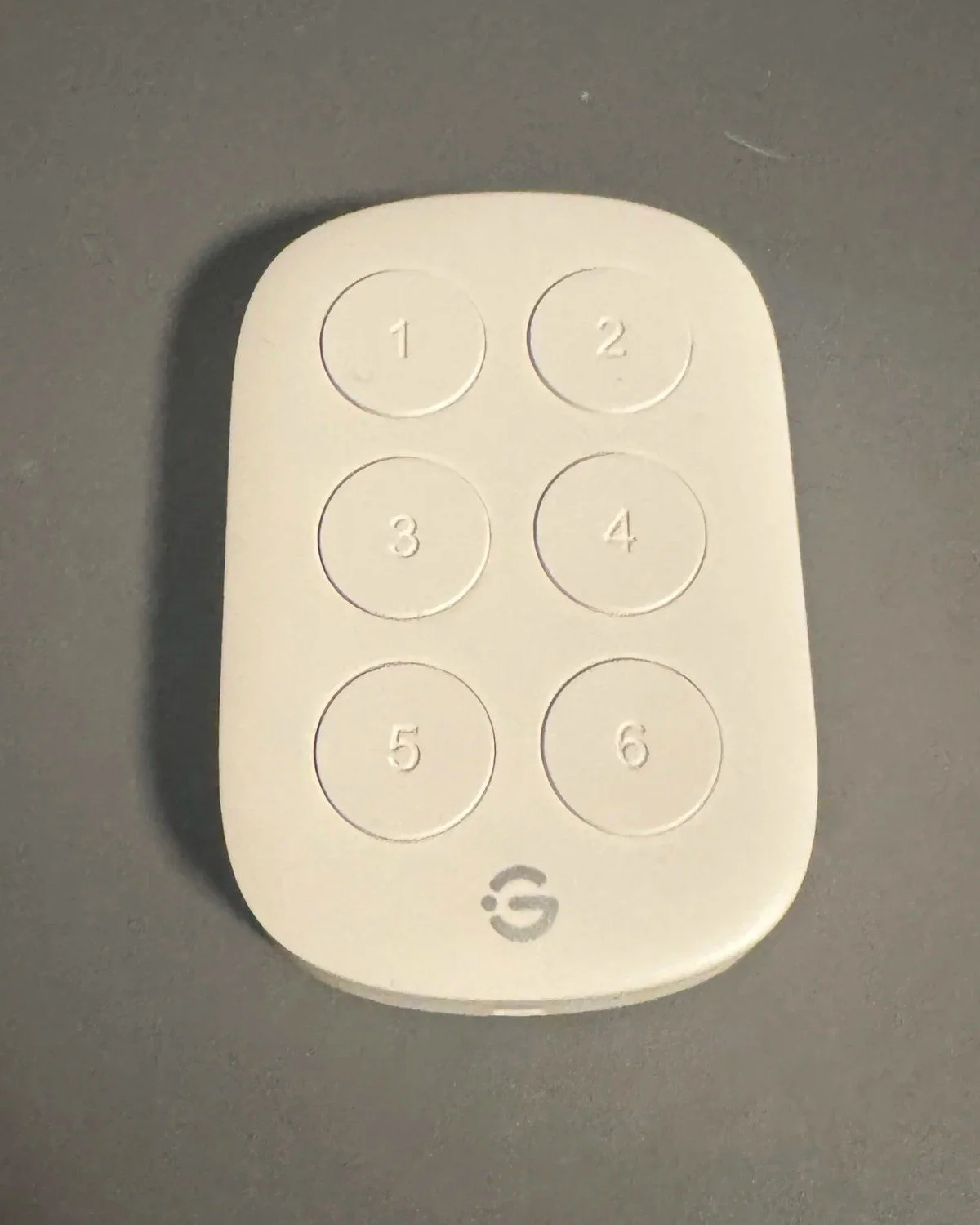
My couch command center. Five buttons have jobs. Button 6 is still waiting for its big break.
Hiding the box. I 3D printed a holder and mounted the sync box on the wall behind the TV. All the wires stay hidden behind the TV, so the setup looks clean from the couch.
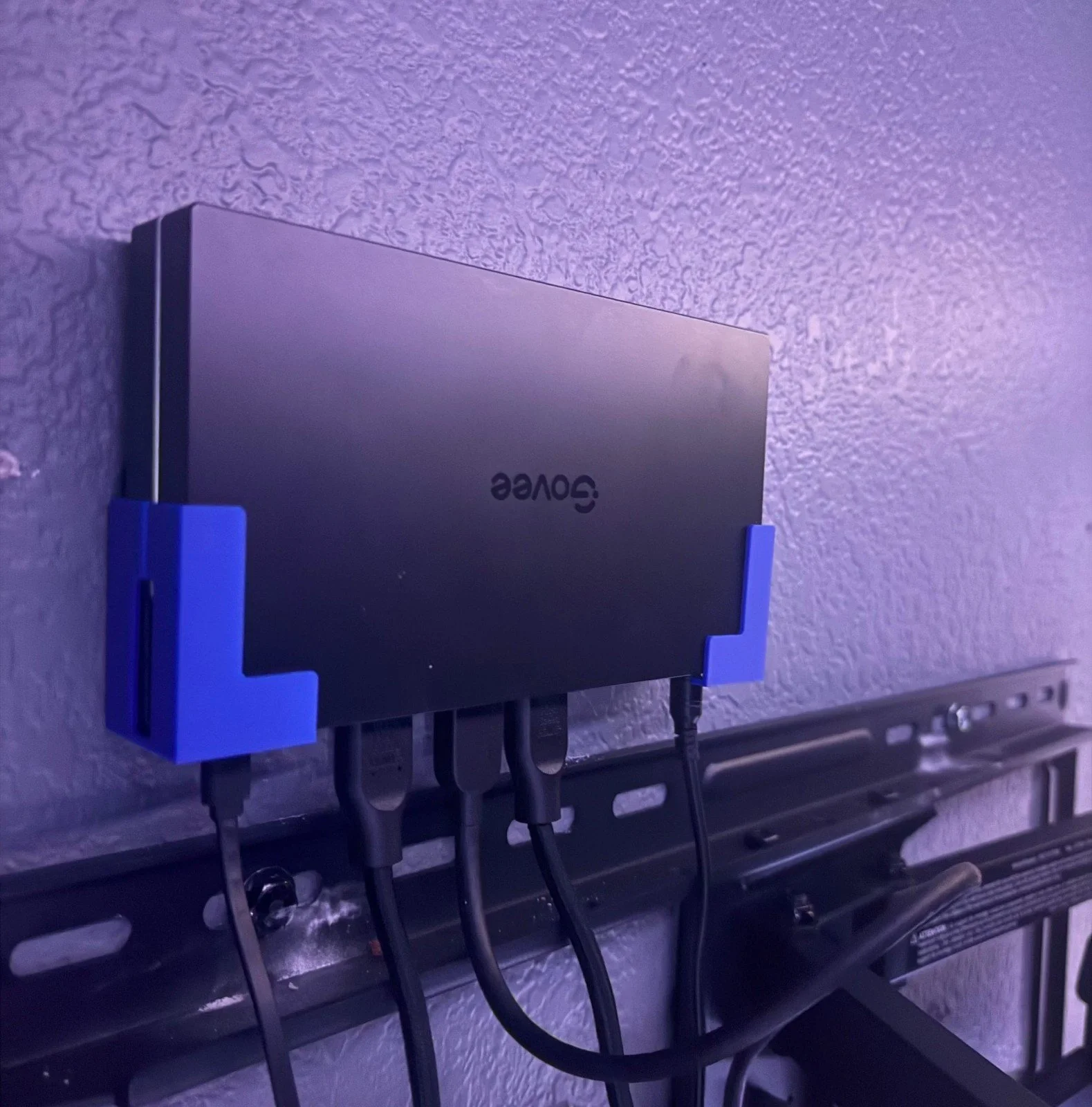
The sync box living its best life in a 3D-printed wall mount behind the TV. Out of sight, out of mind.
Setup and quirks
Setup was quick and easy.
Lights: the light strip sticks to the back of the TV with 3M tape.
Calibration: done in the Govee app. Just follow the steps; it only takes a few minutes.
Adding it to Apple Home and Homey. I connected the sync box to Apple Home and Homey over Matter. A few tips:
Add it within the first few minutes after you power it on. In my experience, Govee products pair over Matter faster in that window.
If it struggles, unplug it for a minute, plug it back in, and try again.
Matter only covers the lighting controls. Sync settings stay in the Govee app.
Video and sound
I haven't noticed any difference in picture or sound with the sync box in the middle. Games look and sound the same as when the consoles plugged straight into the TV, and I can't feel any lag while playing.
Best moments
Gaming with the extra lighting behind the TV has been really enjoyable. It adds that extra little touch to the whole experience.
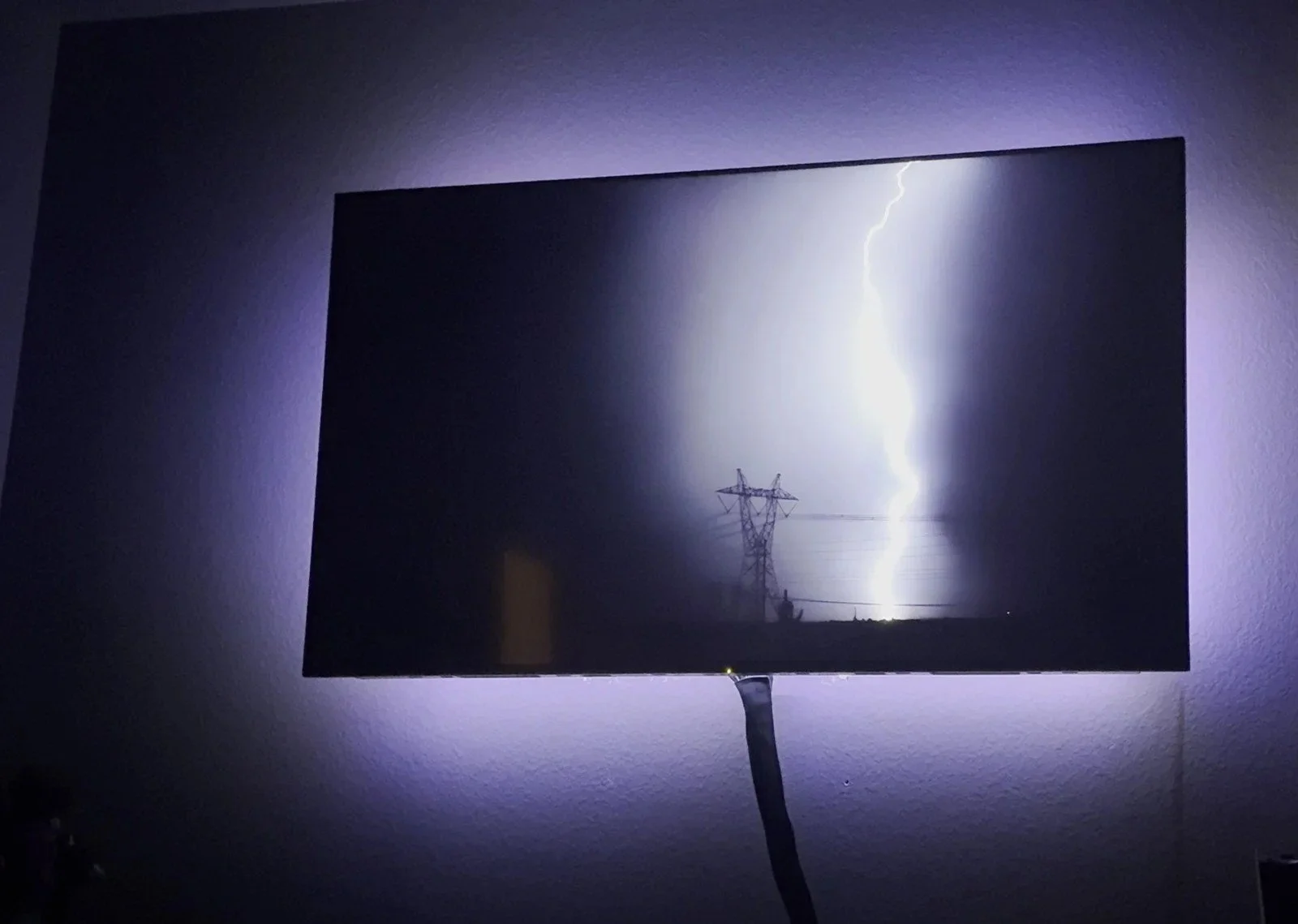
It's not just games. A lightning strike on screen, and the whole wall flashes with it.
Taking it room-wide with DreamView. To make it even better, I created a DreamView scene and added my Govee Ceiling Light Ultra. Now the ceiling light reacts along with the TV, and the whole room lights up.
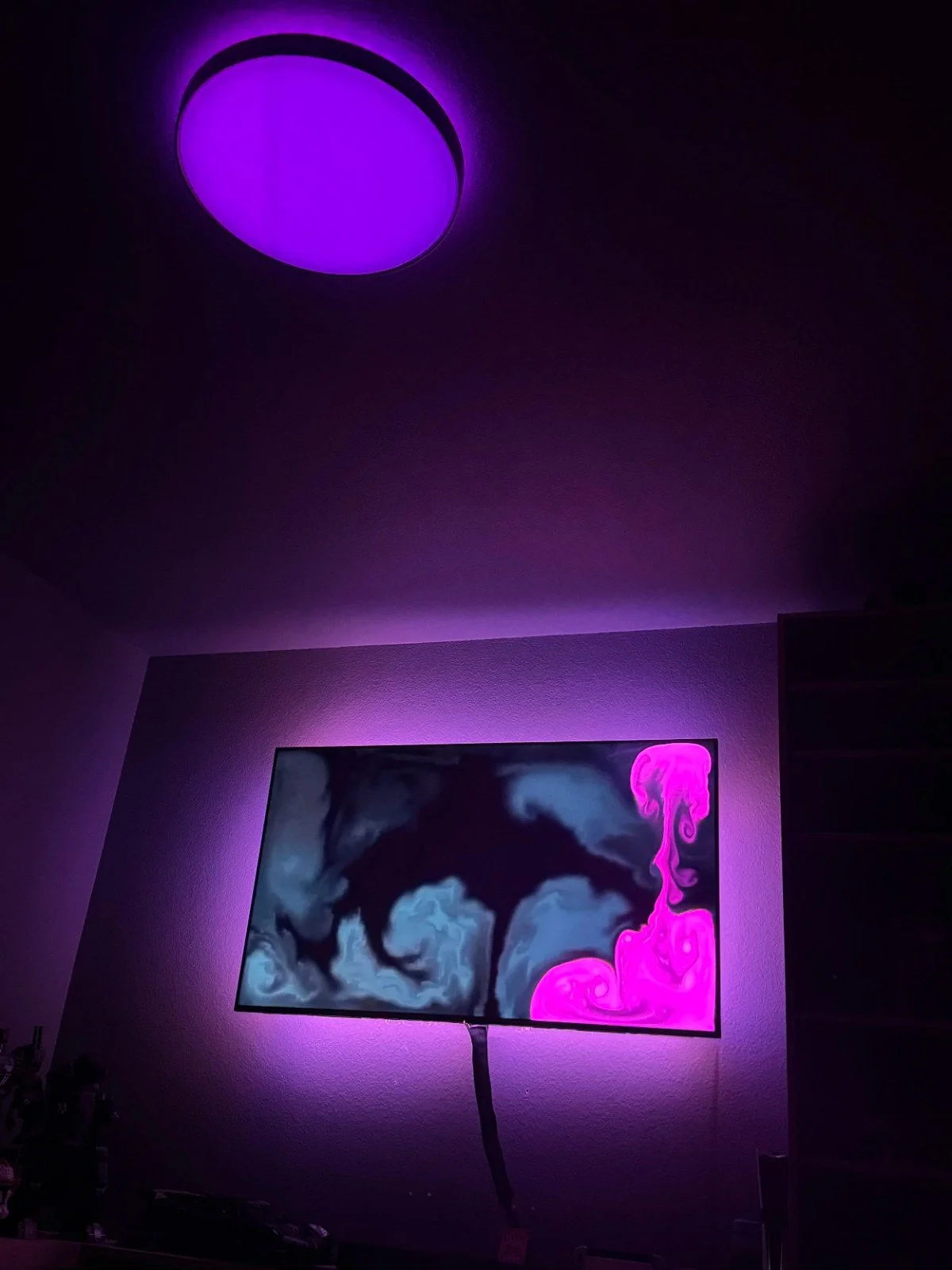
DreamView with the Ceiling Light Ultra: the TV goes purple, so the ceiling goes purple. It's basically a tiny concert in my man cave.
Favorite game for it: Horizon Forbidden West. Between the sunsets, the storms and the glowing machines, the wall basically never stops putting on a show.
Want to see the rest of my setup? Check out the Smart Home page and the gear I love and actually use.
As an Amazon Associate I earn from qualifying purchases. Some links in this post are affiliate links, which help support the channel at no extra cost to you.